

New



12 products | View all →
8 products | View all →
3 products | View all →
12 products | View all →
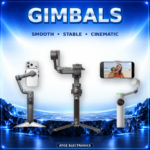
Browse all Gimbals
See All Products →0 products | View all →
Browse all Lighting
See All Products →8 products | View all →
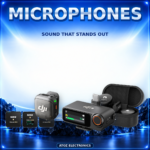
Browse all Microphones
See All Products →0 products | View all →
Browse all Phone Gimbals
See All Products →1 products | View all →
0 products | View all →
Browse all Wireless Microphones
See All Products →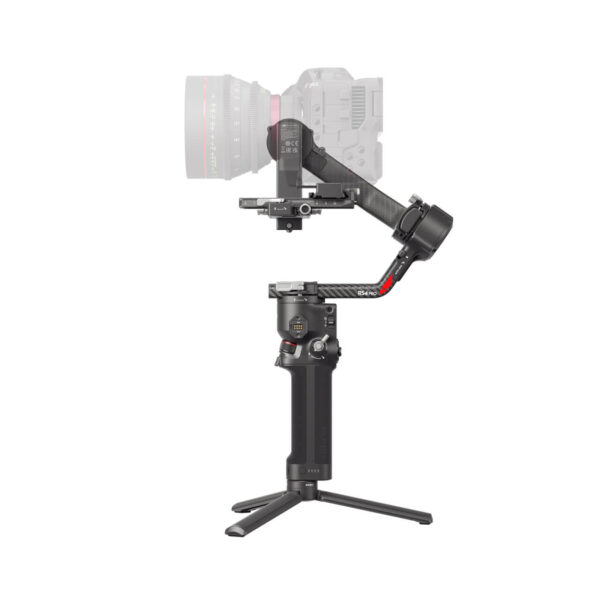 1 / 3
In stock
Available delivery methods and charges are calculated by the store at checkout.
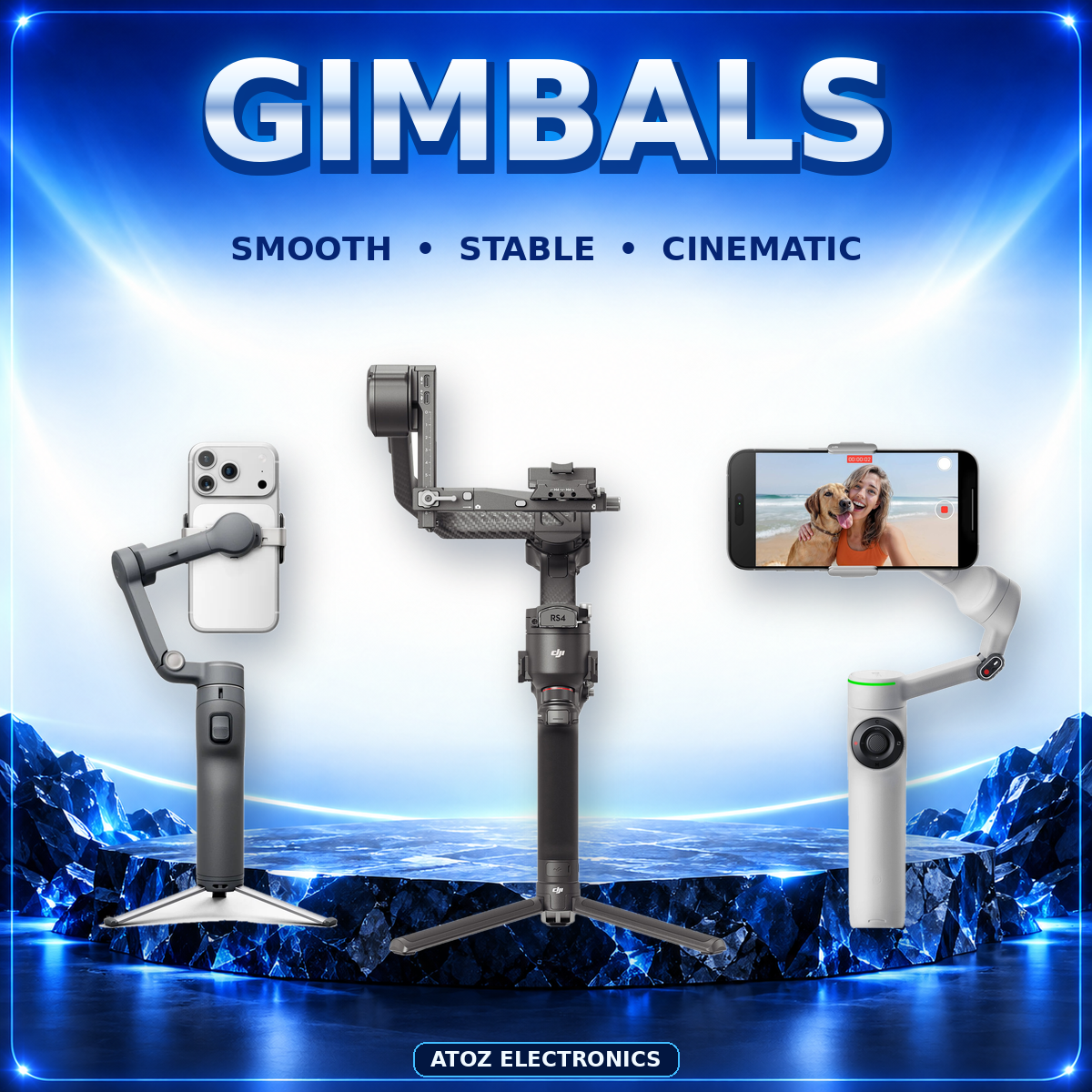
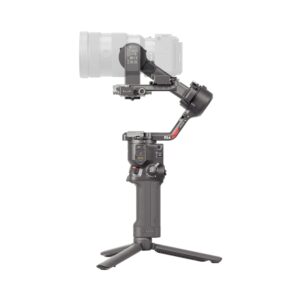
DJI RS4 Pro Combo : The DJI RS 4 Pro Combo is a state-of-the-art 3-axis gimbal stabilizer designed for professional filmmakers and content creators. Offering enhanced stability, extended battery life, and advanced focusing capabilities, it empowers creators to capture cinematic shots with precision and ease. DJI RS4 Pro Combo Key Features 4.5 kg (10 lbs) Payload Capacity: Supports a wide range of mirrorless and cinema cameras. Next-Gen Stabilization Algorithm: Delivers smooth footage even during dynamic movements. OLED Touchscreen with Auto-Lock: Provides intuitive control and conserves battery life. 2nd-Gen Native Vertical Shooting: Easily switch between horizontal and vertical orientations without additional accessories. Automated Axis Locks: Simplifies setup and teardown processes. Focus Pro Motor & LiDAR: Achieve precise focus with 76,800 ranging points within 20 meters. ActiveTrack Pro: Intelligently tracks moving subjects for dynamic shots. 13-Hour Battery Runtime: Extended shooting sessions with the included BG30 battery grip. Car Mount Mode: Optimized stabilization for vehicle-mounted filming. Dual-Mode Bluetooth: Seamless camera control via Bluetooth or joystick. Product Description & Usage The DJI RS 4 Pro Combo is engineered for professionals seeking unparalleled control and flexibility in their filmmaking endeavors. Its robust design accommodates a variety of camera setups, ensuring stability across diverse shooting scenarios. How to Use: Mount Your Camera: Secure your camera onto the gimbal using the quick-release plate. Balance the Setup: Adjust the axes to achieve optimal balance for smooth footage. Power On: Activate the gimbal and let the automated axis locks engage. Select Shooting Mode: Choose from modes like Pan Follow, Tilt Follow, or FPV based on
There are no approved reviews for this product yet.
Write a review